
HarmonyAIR® A-Series Surgical Light Systems
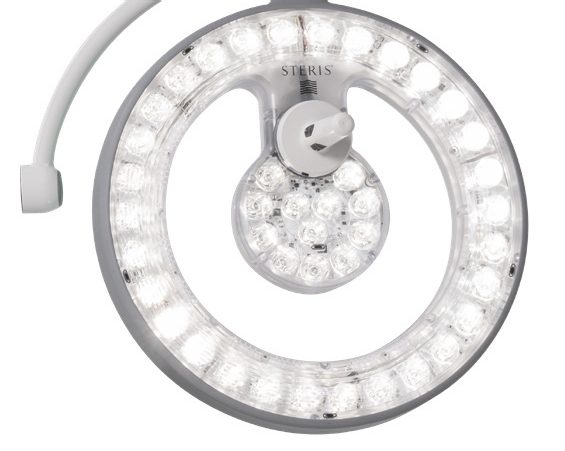
Introduction:
This training will provide your equipment technicians with the knowledge they need to operate and perform maintenance on the HarmonyAIR® A-Series Surgical Light Systems.
Course Goal:
This class provides the student with an in depth understanding of how to operate the HarmonyAIR® A-Series Surgical Light Systems and perform troubleshooting and adjustments. The student will learn the theory of operation and functional descriptions for major components and how to access the STERIS website for technical information, technical assistance or place a service request.
Course Outcomes:
At the end of the course, the student will be able to:
- locate key sections of the operator and maintenance manuals.
- operate using the surgeon control and control panel.
- identify and explain the function of the main components of the surgical light system.
- locate the surgical light system components including the light heads, control assemblies and spring arms.
- explain the component level operation, referencing the system schematics.
- identify visual preventive maintenance tasks.
- complete maintenance tasks on the components.
- troubleshoot and correct faults.
- access the STERIS service websites for assistance.
Training Location:
This training is delivered at our STERIS Service Training facility in Mentor, Ohio.
Training at our facility provides your staff with the opportunity to operate the surgical products and perform preventative maintenance procedures without the worries of interrupting your facility’s operation.
Registration Process
Step One
Select the desired class date in the Class Schedule section by clicking the Register button to complete the Registration Form.
Step Two
You will will receive a Registration Confirmation email requesting payment.